
Online payments in recreation park software: Mollie, Wero, invoice link
Online payments in campsite management software with Mollie, Wero and personal invoice links - automatic status updates and payment reports without manual reconciliation.

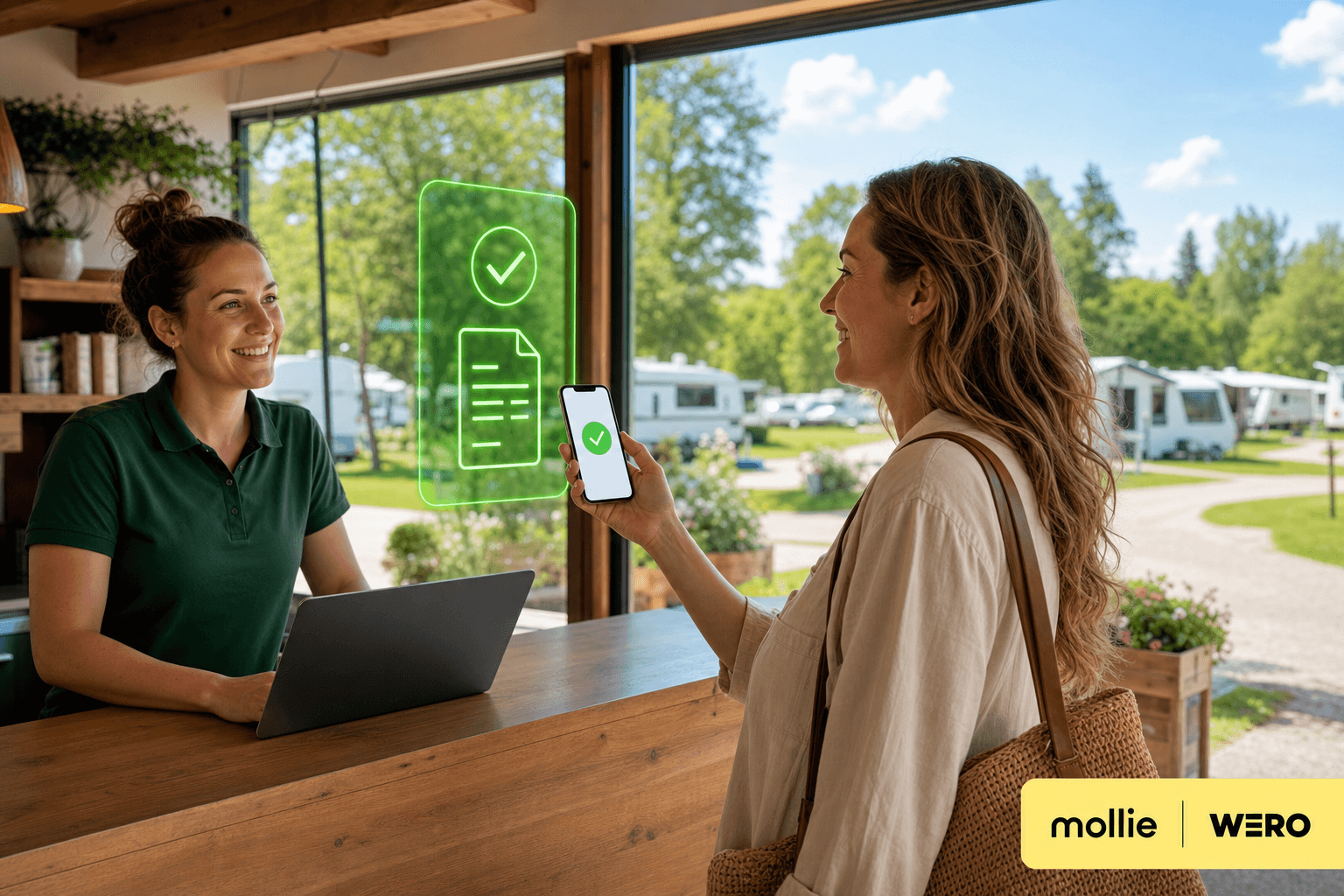
With online payment via Mollie, guests settle invoices through a personal payment link on their phone: iDEAL, Bancontact or card, without retyping an IBAN. When payment succeeds, Mollie sends an automatic signal (webhook) to Tillor and the amount appears on the invoice.
In recreation park software, online payment belongs on the same invoice as card at reception - not in a separate app you reconcile by hand. Many parks still email invoices and wait for a bank transfer; someone has to check Excel or Mollie to see if the money arrived, then update the open balance in Tillor manually.
Tillor is a Mollie Tech Partner. Online payments use the same invoices as card payments at reception: guests pay on a personal page, Tillor updates status and balance, and payment reports stay aligned with your accounting.
✅ Zero manual reconciliation
After a successful online payment, nobody needs to match the amount in Mollie, Excel, or on the invoice. Tillor links the payment to the right invoice via webhook, updates the open balance, and prepares it in your daily payment report. Automatic payment matching from checkout to accounting.
Copy link to this sectionScenarios on site
Deposit before arrival. You book a reservation invoice and send Send notification. The guest opens View and pay online, picks iDEAL | Wero or card, and pays the deposit. Once Mollie confirms, the payment appears on the invoice. No separate payment app or transfer to match later.
Outstanding balance after departure. A guest leaves with usage or a final invoice still open. You send Send reminder; the reminder includes the same pay link. Guests who prefer their banking app can still pay by transfer. Those who want to settle online do it without extra steps on your side.
Belgian guest, Dutch guest. Set Language preference on the customer profile: notifications, invoice page and Mollie checkout follow Dutch, French, German or English. On the public page everyone sees the methods you enabled in Mollie, including Bancontact and credit card - with labels that match that language. Dutch guests often choose iDEAL | Wero, the label Tillor shows for iDEAL payments including Wero, the European payment scheme available through iDEAL.
Track balance without spreadsheets. Under Administration > Payments you filter by Pending, Paid, or Failed. The invoice shows the same under Payments. Unsure about a Mollie payment? Sync pulls the latest status from Mollie.
Copy link to this sectionBenefits for your team
- No separate payment-link tool: the personal invoice URL is enough; notifications and reminders send guests there automatically.
- Less manual work after a successful payment: webhooks, periodic sync, and automatic payment matching update balance and reports.
- Same chain as POS at reception (Mollie POS) and bank reconciliation.
- Ready for accounting: Mollie payments land in daily payment reports and can flow to your accounting software.
- Familiar methods for guests: iDEAL, Wero, Bancontact, card, and (if you enable it in Mollie) Billink, through one checkout.
- In the guest's language: notifications and checkout follow Language preference on the customer profile - fewer drop-offs on the payment link.
Copy link to this sectionFrom invoice to payment page
Online payment does not start with a separate Send payment link button. You work from the booked invoice:
- Book the invoice with an open balance.
- Send Send notification (email or SMS), or copy the Personal URL from the action menu.
The guest sees amount, due date, and open balance, then clicks Pay invoice online. They pick a method and complete checkout on Mollie's secure page. After success they get a confirmation and an email that payment was received for the invoice.
Copy link to this sectionIn your guest's language
Online payment works best when email, page and checkout share the same language. Set Language preference per customer (Customers > customer):
- Send notification and Send reminder arrive by email or SMS in Dutch, French, German or English.
- The personal invoice URL opens the public invoice page in that language.
- Mollie checkout follows the customer's language (and country where possible), so iDEAL, Bancontact and card show familiar labels.
Guests do not hunt for a language switch first. That lowers friction on the final step and supports better conversion on outstanding balances. More context: Multilingual guest communication.
Copy link to this sectioniDEAL, Wero, Bancontact, and card
Which methods appear depends on your Mollie account and what you activated there. Tillor shows what Mollie offers at checkout.
For iDEAL, Tillor uses the label iDEAL | Wero. Guests paying through their banking app can use Wero where their bank already supports it. You do not configure Wero separately in Tillor: it runs through the Mollie connection and iDEAL.
Credit card (Visa, Mastercard, …) and Bancontact sit on the same page. Handy for international guests or anyone who prefers card. If Billink is on in your Mollie profile, that method appears on checkout too. You enable it in Mollie, not as a separate Tillor switch.
Copy link to this sectionStatus and follow-up
Payments share the same status labels in the app and on the invoice: Pending, Paid, Failed, Cancelled, Expired, and for refunds Refunded or Partially refunded.
Mollie sends an automatic signal when a payment changes, including a refund or chargeback. That is how Tillor updates invoices in practice, usually within seconds. As a backup, Tillor also ingests Mollie payments every 15 minutes and syncs pending payments every 30 minutes for organisations with an active connection.
For a SEPA direct debit, Tillor shows the Collection date on the payment. That is when Mollie collects, not the invoice Due date. You download a Payment receipt PDF from the payment; for a matched bank transfer also via bank reconciliation.
Open invoices live under Administration > Invoices, with the Invoices with open balance card. Per invoice you can Send reminder while balance remains open.
Copy link to this sectionPayment reports and accounting
Online Mollie payments appear in Tillor as known payments with invoice linkage in the Mollie section of your daily report. Settlement, bank fees, and payout are included, same as terminal payments.
Online revenue matches what your accountant expects, without retyping Mollie exports.
Copy link to this sectionHow this fits next to POS at reception
Online payment complements Mollie POS at reception. Deposits and balance payments go digital; cash or card at the desk stays on terminal or manual methods. Everything returns in the same invoice and report flow.
Camping Vlasaard combines Mollie online and terminal with reservations, meters, and accounting export. Guests pay upfront or after stay via link; reception does not chase every transfer in a separate screen.
Copy link to this sectionIn Tillor
Copy link to this sectionTechnical setup
- Go to Settings and install Mollie from the apps on that page.
- Install Mollie and complete OAuth with your Mollie account (Mollie Connect).
- Ensure the methods you need (iDEAL, Bancontact, credit card, …) are active in Mollie.
After install, Tillor registers webhooks with Mollie. Online invoice payments link automatically through metadata between Tillor and Mollie.
Let a guest pay online:
- Book an invoice with open balance.
- Send Send notification or share the Personal URL.
- The guest picks a method on the public invoice page; Tillor processes the webhook and updates balance and status.
More on statuses, SEPA mandates, and payment groups: Payment processing and Mollie in Tillor.
Want to connect Mollie online to invoices on your site? Request a demo and we will walk through the full flow from invoice to payment report.
The Payments series
More from the blog

✨ Camping Vlasaard chose recreation park software: from paper to one PMS
How Vlasaard NV chose campsite management software to replace paper, spreadsheets and separate tools with one PMS for KC80 barriers, LoRa meters, ICY electricity and Mollie payments.
 Niels WarrensCustomer story
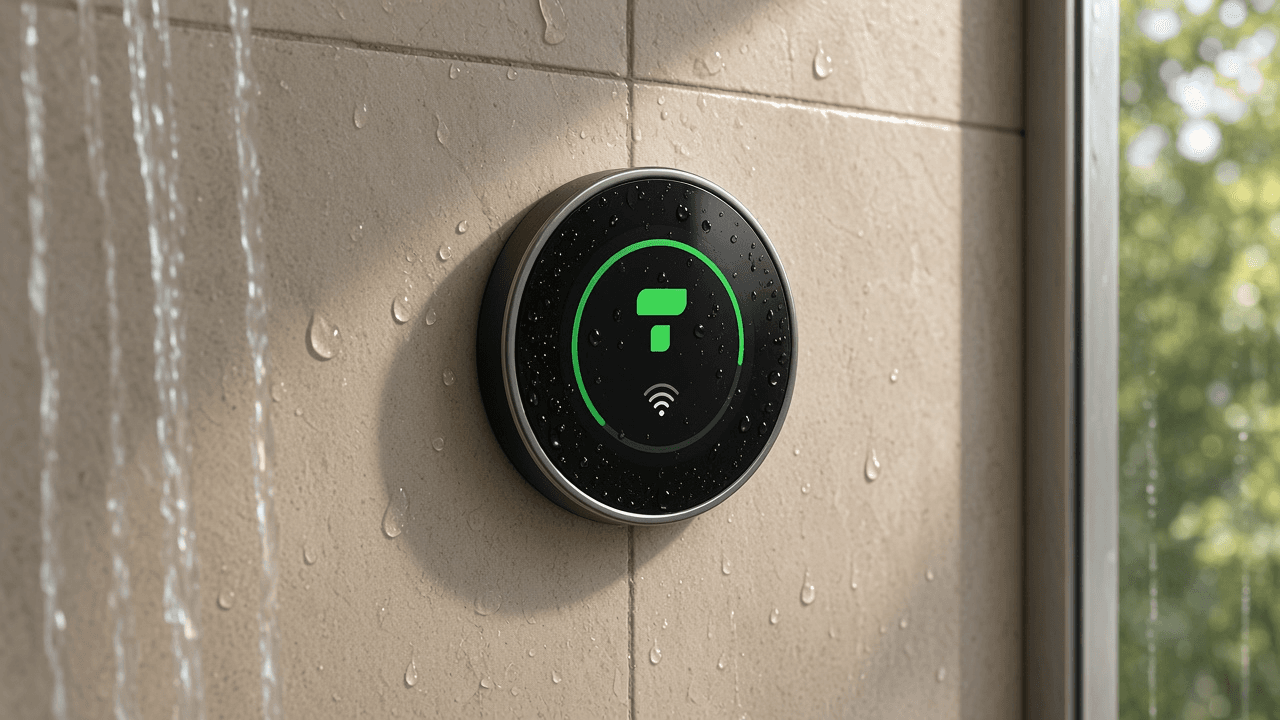
Prepaid shower system for campsites: shower and door with one NFC tag
A prepaid shower system for your campsite: shower and open the door with an NFC wristband or key fob, start washing machines with a QR code.
Niels WarrensProduct
Custom fields in campsite software: extra data per guest or pitch
Record what your park needs to track, from the trailer's licence plate to the number of the electricity cabinet, with custom fields in your campsite management software.
Niels WarrensProduct