
Bank reconciliation in campsite software: automatic matching
Bank reconciliation in recreation park software: connect accounts, sync every five minutes, match transfers to invoices via structured communication - no morning spreadsheets.

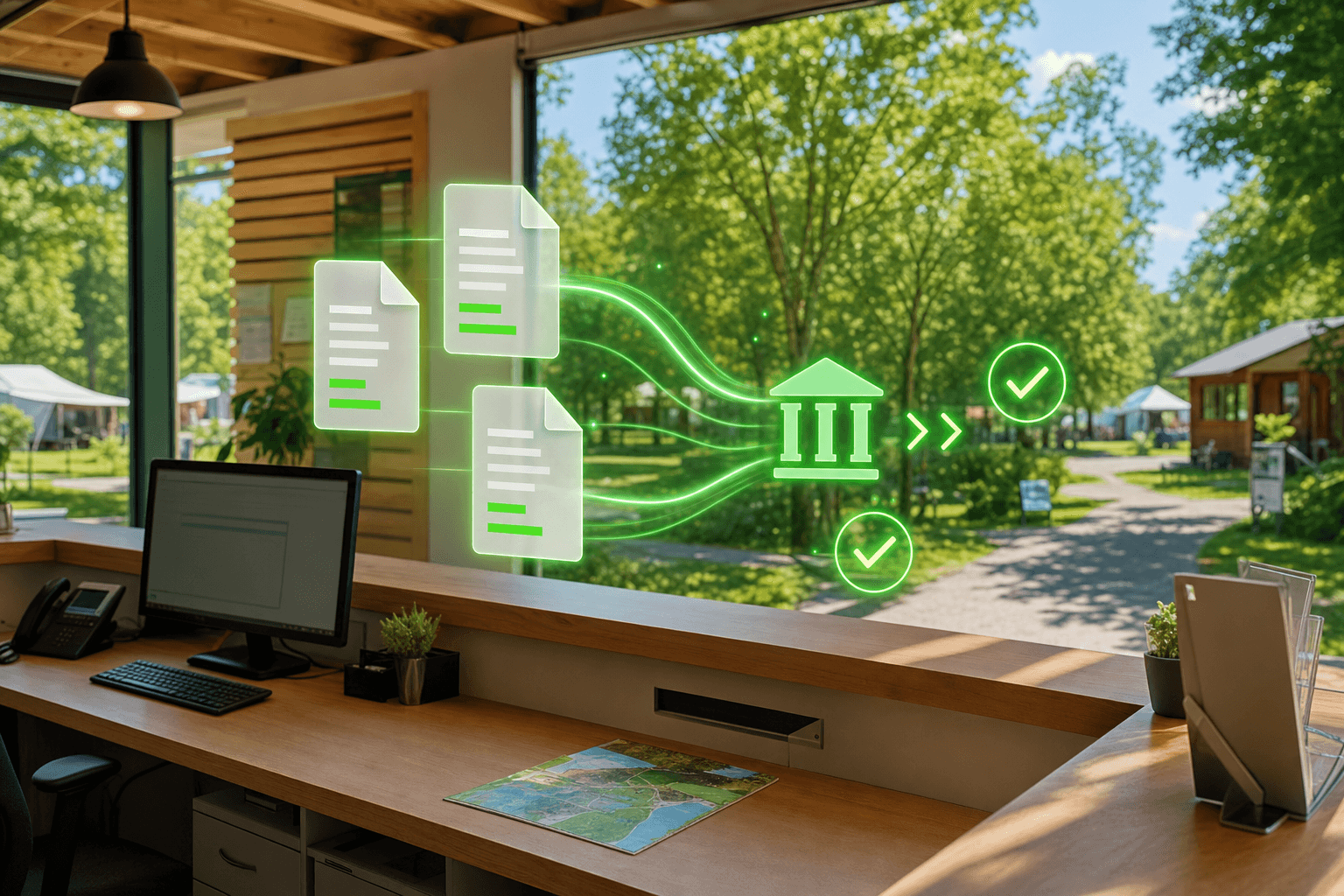
Bank reconciliation means matching incoming bank transfers to the right invoice. Through open banking, Tillor fetches your transactions automatically (every five minutes) and looks for the invoice number or structured payment reference.
Many campsite programs stop at invoice and card payments; bank transfers still mean manual work each morning. Reconcile transactions, compare references with invoices, check amounts, then re-enter everything in accounting. One wrong reference or a missed payment quickly leads to open items, duplicate entries, or disputes at reception.
In Tillor you connect one or more bank accounts via open banking. Transactions arrive automatically and Tillor links them to invoices - without spreadsheets on the side.
🏦 Transfers match themselves
Tillor fetches bank transactions every five minutes and links them to the right invoice via structured reference or invoice number. Less morning work with spreadsheets.
Copy link to this sectionSync every five minutes, automatic matching
Once a bank account is connected, Tillor fetches transactions every five minutes. Need a fresh import in between? Use Sync bank account under payment reports or on a daily report.
Tillor reads structured communication (for example +++123/4567/89012+++) or the invoice number from the transaction and finds the matching invoice:
- Does the amount match? A payment is created and linked - the invoice follows your normal follow-up.
- Imported transactions appear under Bank transactions; matched payments show as bank transfers in Tillor.
Less morning work. Fewer "which invoice was that transfer for?" moments.
Copy link to this sectionManual bank transfer at reception: follow-up without double counting
Not every guest pays with the correct reference straight away. Staff can record a manual bank transfer on an invoice at the desk.
- That payment appears on the payment report for the calendar day you enter it (Brussels), as a manual payment.
- When the daily report is created and printing is configured for your organisation, Tillor sends the PDF to your printer automatically. Manual payments are listed per channel with date, method, customer, invoice, and amount. At the top of the report, unmatched bank transfers (imported without an invoice match) show amounts in green or red - so your team sees what still needs follow-up.
- Unless you disable Send reminder, the customer receives an email with the structured communication automatically - as long as the invoice has that reference (not credit notes).
Does the same transfer arrive later via bank import with the same amount on the same invoice? Tillor removes the manual payment so it is not counted twice.
Copy link to this sectionOn the Tillor report, not in the accounting export
Bank transfers belong in your daily reconciliation in Tillor, together with manual payments on that day. They are not sent to the accounting export: only Mollie payments and transfers between your own accounts go to your accounting software.
Bank reconciliation in Tillor is meant to match invoices automatically - not to re-type every bank line in your accounting package. Online payments via Mollie POS and terminal flow through the same payment report to your accounting software; bank transfers mainly solve invoice follow-up.
Someone questioning a matched transfer? Open the payment and choose Download PDF or Open PDF. The Payment receipt shows amount, status, customer and invoice, plus bank details when those are linked. It is your export from Tillor, not a statement from the bank itself.
Copy link to this sectionHow it fits on site
Camping Vlasaard combines Mollie at reception, accounting export, and connected bank accounts. Check-in, payment and bank reconciliation stay in the same system - useful when transfers pile up after peak season.
Bank reconciliation belongs with your invoicing, not in a separate Excel file.
Want to connect bank accounts to invoices and payment reports on your site? Request a demo and we will show bank sync and daily reports tailored to your park.
The Payments series
More from the blog

✨ Camping Vlasaard chose recreation park software: from paper to one PMS
How Vlasaard NV chose campsite management software to replace paper, spreadsheets and separate tools with one PMS for KC80 barriers, LoRa meters, ICY electricity and Mollie payments.
 Niels WarrensCustomer story
Prepaid shower system for campsites: shower and door with one NFC tag
A prepaid shower system for your campsite: shower and open the door with an NFC wristband or key fob, start washing machines with a QR code.
Niels WarrensProduct
Custom fields in campsite software: extra data per guest or pitch
Record what your park needs to track, from the trailer's licence plate to the number of the electricity cabinet, with custom fields in your campsite management software.
Niels WarrensProduct